

Log Management in Azure: Properly Positioning LAW, Elastic (Marketplace), and Splunk
An architecture perspective for production Azure environments: the real role of Log Analytics Workspace, Elastic via the Azure Marketplace, and Splunk — including data paths, security, operational model, and clear trade-offs.
Introduction
In real-world Azure environments, logging rarely fails because of technology — it fails because of missing architectural decisions. Teams enable diagnostic settings “somehow,” send data to multiple targets in parallel, and only realize months later that costs, data quality, and analysis workflows are no longer manageable.
The key question is therefore not whether logs should be collected, but:
- Where is information centrally stored?
- Which data paths are allowed (security and compliance)?
- Where does correlation and alerting happen (Ops vs. SecOps)?
- How do you prevent duplicate ingestion costs?
This article evaluates Log Analytics Workspace (LAW), Elastic (especially via the Azure Marketplace), and Splunk from a production architecture perspective with clear trade-offs.
Option A: LAW as the Azure Default — Powerful, but Not Automatic
For Azure-native environments, Log Analytics Workspace (LAW) is the natural core because logs from Azure services are routed there directly, including Activity Logs, Diagnostic Logs, AMA/DCR streams, Defender for Cloud, and Microsoft Sentinel.
Why LAW often wins in Azure
- Native routing: Diagnostic Settings and Data Collection Rules (DCR) are deeply integrated.
- KQL as a shared language: Operations, SRE, and security teams work on the same query foundation.
- Platform features depend on it: Sentinel, Workbooks, alerting, and parts of Defender workflows.
- Governance-ready: Azure Policy can enforce logging standards.
Where LAW becomes challenging in practice
- High log volume can cause Log Analytics costs to increase significantly.
- Multi-cloud analysis is possible, but not as seamless as with specialized platforms.
Practical rule: LAW is the best default option for Azure-first environments — but only with proper retention policies and well-designed Data Collection Rules.
Designing Clean Data Paths in Azure (Instead of Fixing Them Later)
A robust architecture separates between control plane, workload logs, and security telemetry:
- Control plane: Azure Activity Logs (subscription/management group level)
- Workload level: PaaS and IaaS diagnostic logs, VM and AKS telemetry
- Security level: Defender and Sentinel-relevant tables, audit trails
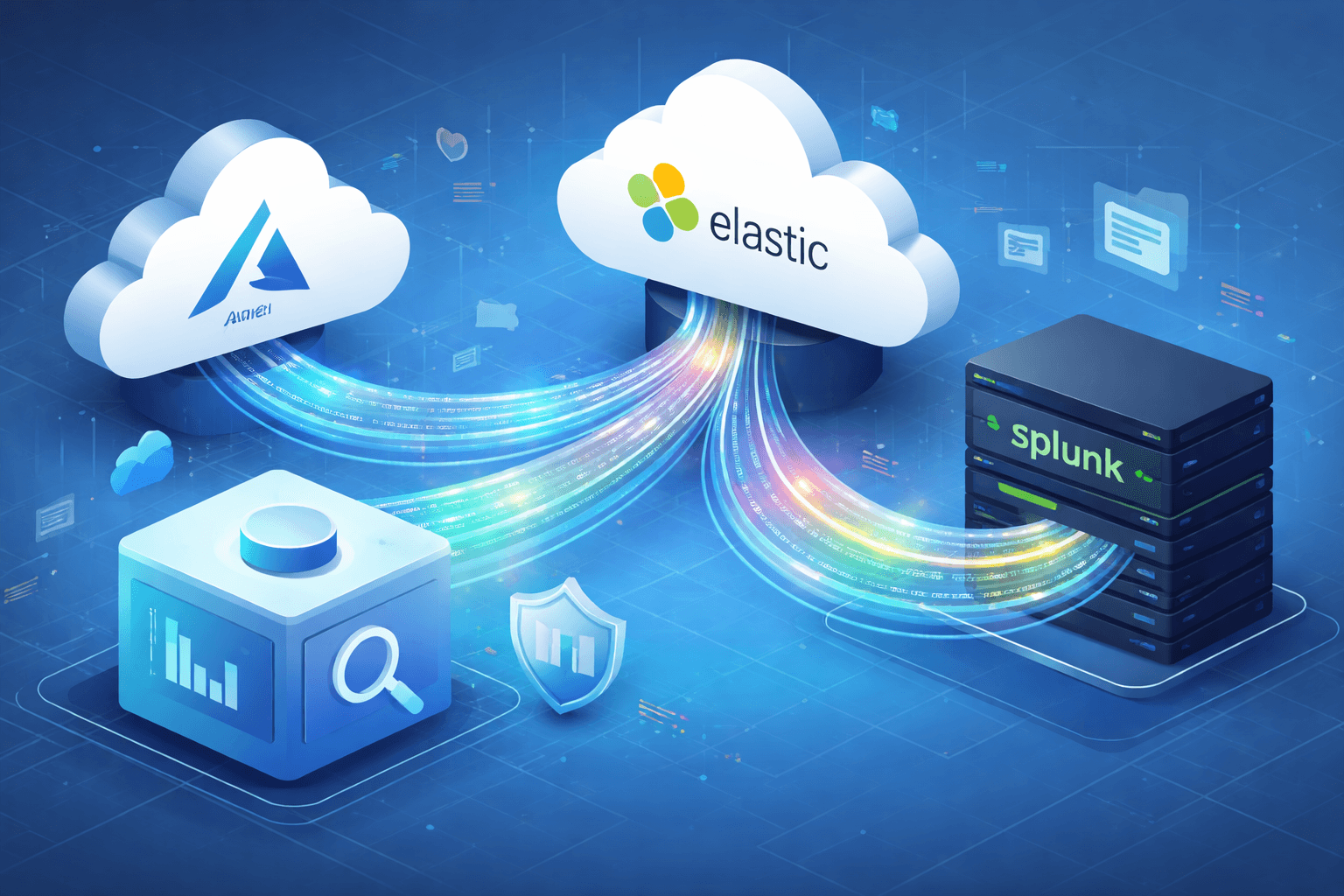
Minimal reference architecture:
Azure Resources
  ├─ Diagnostic Settings ──────────────────▶ LAW
  ├─ AMA + DCR (+ DCE/Private Link) ───────▶ LAW
  ├─ Optional Export (Event Hub/Storage)───▶ Downstream (Splunk)
  └─ Optional Export (Nativer Export)──────▶ Elastic Cloud (Marketplace)
Practical rule: If LAW and a second tool are both used as primary ingestion targets in parallel, you often pay twice — for ingestion, retention, egress, and operational overhead.
Option B: Elastic via Azure Marketplace
Elastic via the Azure Marketplace is more than just “Kibana in one click.” It introduces its own operational model with architectural and operational implications.
Integration characteristics
Typical integration paths in Azure include:
- Azure-native Marketplace deployment for Elastic Cloud
- Native support for Azure service logs
- Agent-based log collection for VMs, containers, and Kubernetes workloads
- Direct integrations with Microsoft 365 and Azure APIs depending on the use case
When using Elastic Cloud, log ingestion is only part of the solution. Proper implementation should also include Single Sign-On integration, separate Kibana spaces for environments, and role-based access control synchronized with Entra ID. This ensures the Elastic environment is fully secured and user management remains centralized in the Azure tenant.
Typical operational responsibilities when using Elastic
Production environments require ongoing operational ownership, including:
- Index and data stream strategy: Naming conventions, rollover strategy, and ILM lifecycle phases
- Shard planning: Incorrect shard sizing negatively impacts performance and cost
- Pipeline hygiene: Parsing, enrichment, and dead-letter handling
- Upgrade and version management: Especially important for integrations and agents
- Operational readiness: Monitoring cluster health, backpressure, and ingestion latency
The Marketplace offering reduces initial procurement and setup effort, but it does not eliminate the need for experienced operational ownership.
In regulated environments, additional requirements must be addressed:
- Data residency and regional placement
- Private connectivity and controlled egress paths
- Encryption (at rest and in transit)
- RBAC and SSO integration (Entra ID)
- Tenant and space separation for teams or tenants
- Auditability of administrative and query actions
If these topics are only addressed after incidents or audits, remediation and migration are typically more expensive than implementing a clean architecture from the start.
Can Elastic Replace LAW?
A common management question is: “Can we disable LAW and send everything to Elastic?”
Short answer: Partially yes — but not without functional trade-offs within the Azure ecosystem.
What works well with Elastic as the primary platform
- Excellent full-text search and flexible schema evolution
- Strong capabilities for multi-cloud and hybrid correlation
- Unified interface if Elastic is already the enterprise standard
What becomes more complex or is lost
- Native integration with Azure features that depend on LAW
- Seamless use of Sentinel, which is built on LAW
- Unified KQL-based workflows for Azure operations teams
- Increased integration complexity for certain Azure platform services
How I would approach this decision
- Azure-first with Sentinel or Defender focus: Keep LAW as the system of record.
- Elastic already established enterprise-wide: Reduce LAW to Azure-native requirements and use Elastic as the primary analytics platform.
- Greenfield environments without strong Azure SecOps dependency: Elastic can serve as the primary platform if operational expertise and proper security design are in place.
Option C: Properly Positioning Splunk
Splunk remains highly relevant in many enterprises, especially where SIEM and SOC processes are historically built around it.
When Splunk makes sense in Azure
- Existing global Splunk deployments and content libraries
- Mature SOC processes based on SPL
- Unified detection and response workflows across on-premises, AWS, Azure, and GCP
Typical Azure architecture pattern with Splunk
- Azure logs routed to Event Hub
- Forwarding to Splunk using HEC, connectors, or Azure Functions depending on the architecture
- LAW often remains active for Azure-native operational capabilities
The core trade-off
- Splunk is technically powerful but often the most expensive option per ingested gigabyte.
- Without clear use case prioritization, sending everything to Splunk quickly becomes economically inefficient.
Practical conclusion: Splunk is not a wrong choice if already established, but in Azure-only environments it is rarely the most cost-efficient primary solution.
Reference Architecture Patterns for Production Environments
Pattern A: Azure-native standard architecture
- LAW as the system of record
- DCR-based routing for critical logs
- Sentinel for SIEM requirements
- Export only for defined use cases
Pattern B: Dual-platform architecture with clear separation of responsibilities
- LAW for Azure platform operations and native security integrations
- Elastic or Splunk for enterprise-wide correlation and threat hunting
- Strict filtering and sampling strategies to prevent duplicate ingestion
Pattern C: Elastic-centered architecture with minimal Azure footprint
- Elastic as the primary storage and analytics platform
- LAW only where Azure-native functionality requires it
- Clearly documented governance to prevent shadow ingestion paths
Conclusion
The best decision is rarely “Tool X vs. Tool Y,” but rather a clear responsibility model for each platform:
- Use LAW where Azure-native integration and operational stability provide the most value.
- Use Elastic where flexible search, multi-cloud correlation, and Kibana-based workflows are required.
- Use Splunk where enterprise processes and security operations are already standardized on it.
Defining these responsibilities early helps prevent common long-term issues such as duplicate costs, inconsistent data paths, and prolonged incident response times.
Bring Clarity to Your Log and Monitoring Architecture
Unclear data paths, duplicate ingestion, and inconsistent logging standards often lead to unnecessary costs and make incident response and security analysis significantly harder.
With our Cloud Audit, we analyze your Azure and observability architecture holistically — including Log Analytics Workspace, Elastic, Splunk, data paths, retention strategies, and security design.
You receive concrete recommendations to reduce costs, structure logging properly, and build a secure, scalable foundation for operations, security, and compliance.